



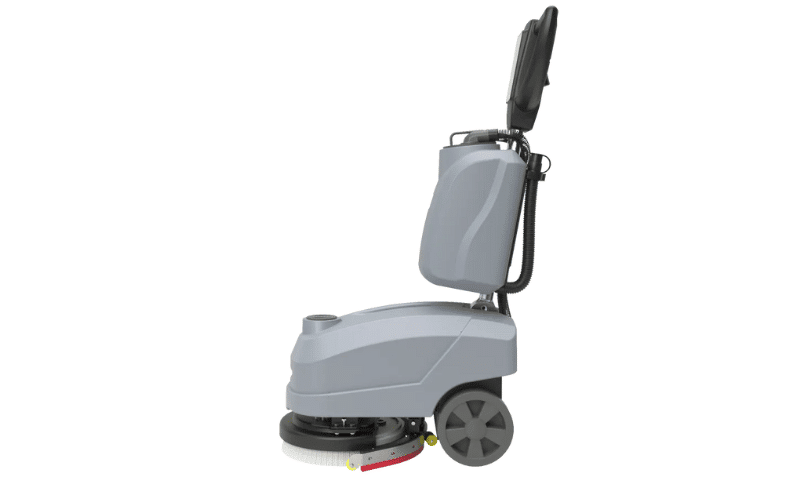




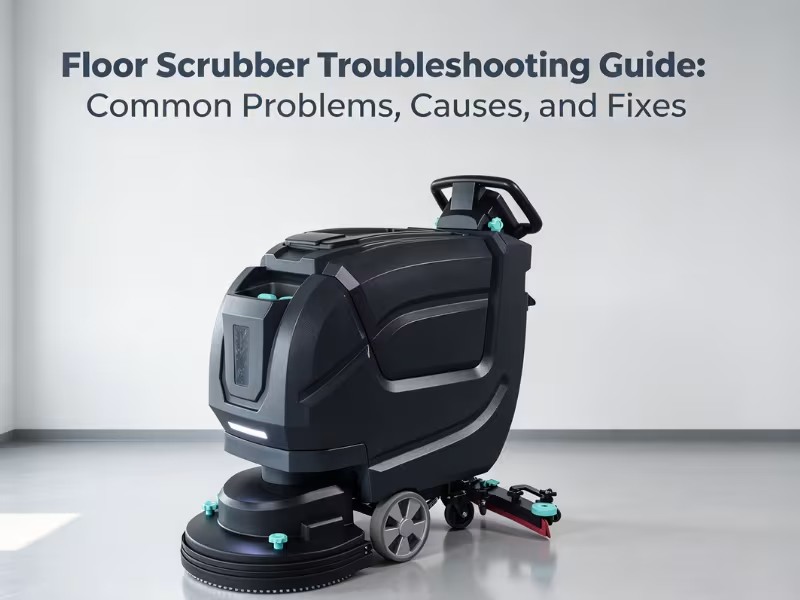
Most floor scrubber problems trace back to six systems: water recovery/squeegee, brush/pad, battery/charging, solution dispensing, traction/drive, and vacuum motor. Diagnose by matching your symptom to its system, inspecting wear parts first, then checking power and ruling out operator error before calling a technician.
Every hour a floor scrubber sits idle in the maintenance closet is an hour your crew spends cleaning by hand, or not cleaning at all. For a facility running two shifts across a warehouse floor or a supermarket aisle, unplanned downtime doesn’t just cost repair fees — it costs labor hours, missed cleaning schedules, and sometimes compliance risk in regulated environments like healthcare facilities.
This guide is built to be a reference you come back to, not a one-time read. If you’ve already looked at LEADV’s Types of Floor Cleaning Machines guide and chosen your equipment, this article picks up where that one left off — you own the machine, and now something’s gone wrong with it.
Floor scrubber troubleshooting works best when you think in systems, not symptoms alone. A machine that “just stopped working” is almost always failing in one of six specific places: water recovery, brushes, batteries, solution delivery, drive, or vacuum. Below, you’ll find each system broken down by symptom, likely cause, how to check it, how to fix it, and how to prevent it from happening again.
Quick Answer: Diagnosing Common Floor Scrubber Problems
Use this table to jump straight to the system behind your symptom.
|
Symptom |
Likely System |
Jump to Section |
|---|---|---|
|
Water left behind on the floor |
Water Recovery & Squeegee |
|
|
Streaks after cleaning |
Water Recovery & Squeegee |
|
|
Brush won’t spin or spins unevenly |
Brush & Pad |
|
|
Machine won’t charge or battery drains fast |
Battery & Charging |
|
|
No water or solution coming out |
Solution Dispensing |
|
|
Machine won’t move or moves slowly |
Traction & Drive |
|
|
Weak or no suction |
Vacuum Motor |
How to Troubleshoot a Floor Scrubber: The Symptom-First Approach
Facility managers don’t have time to disassemble a scrubber hunting for a problem. A symptom-first approach narrows the diagnosis fast:
- Identify the symptom. Be specific — “not picking up water” is different from “leaving streaks,” even though both involve the squeegee.
- Check the related system. Use the table above to go directly to the system most likely responsible.
- Inspect wear parts first. Squeegee blades, brushes, pads, and filters fail far more often than motors or circuit boards. Start here before assuming a mechanical breakdown.
- Verify power. Confirm the battery is charged, connectors are seated, and switches are actually engaged. A surprising number of “broken machine” calls are power issues.
- Rule out operator error. Wrong pad type, incorrect solution dilution, or an unemptied recovery tank can all mimic a mechanical fault.
- Escalate if needed. If the fix isn’t within the operator’s control — a failed motor, a cracked tank, or a faulty circuit board — bring in a qualified technician rather than risk further damage.
With that framework in place, here’s how to resolve the most common floor scrubber problems by system.
Water Recovery & Squeegee Problems
The squeegee and recovery system are responsible for pulling dirty water off the floor and into the recovery tank. When this system fails, it’s usually the first thing operators notice — a wet floor is a liability, not just a nuisance.
Floor scrubber not picking up water
- Symptom: The scrubber dispenses solution normally, but water remains on the floor behind the machine.
- Likely cause: A worn, cracked, or improperly adjusted squeegee blade; a clogged vacuum hose; or a full recovery tank.
- How to check: Inspect the squeegee blade edge for nicks, curling, or flattening. Check the recovery tank fill level — most machines have a float shutoff that stops suction once full. Run your hand along the vacuum hose to feel for blockages or kinks.
- How to fix: Replace the squeegee blade if it’s worn or damaged. Empty the recovery tank and check the float ball isn’t stuck in the “full” position. Clear any debris from the hose and reseat it fully at both connection points.
- Prevention: Inspect the squeegee blade daily before use, and rinse the recovery tank and float valve at the end of each shift to prevent buildup.
Floor scrubber leaving streaks
- Symptom: Floors dry with visible streak lines rather than a uniform finish.
- Likely cause: An uneven or dirty squeegee blade, incorrect squeegee pressure, or a pad that’s overdue for replacement.
- How to check: Look for debris stuck to the squeegee edge. Check that the squeegee assembly is level and making full contact with the floor across its width. Inspect the cleaning pad for wear or embedded dirt.
- How to fix: Clean the squeegee blade thoroughly and remove trapped debris. Adjust squeegee height or angle per the manufacturer’s settings. Swap the pad if it’s glazed or worn unevenly.
- Prevention: Wipe down the squeegee assembly after every use and rotate pads on a regular schedule rather than running them until they fail.
Squeegee blade wear and replacement cues
- Symptom: Gradual decline in drying performance over several weeks, even with clean equipment.
- Likely cause: Normal wear from floor contact. Squeegee blades are consumable parts, not permanent fixtures.
- How to check: Run a finger along the blade edge. A worn blade feels rounded or chipped rather than sharp and straight.
- How to fix: Replace both the front and rear blades at the same time to maintain even drying.
- Prevention: Flip reversible blades periodically to extend life, and keep spare blades on hand so replacement doesn’t cause downtime.
Brush & Pad Problems
Brushes and pads do the physical scrubbing work. Problems here usually show up as poor cleaning results rather than total machine failure.
Brush not spinning
- Symptom: The scrubber moves and dispenses solution, but the brush or pad driver doesn’t rotate.
- Likely cause: A drive belt disconnection, a tripped brush motor overload, or debris wrapped around the brush shaft.
- How to check: Inspect the brush deck for string, debris, or cords wound tightly around the shaft. Check whether the brush motor circuit breaker has tripped. Confirm the brush switch is actually engaged.
- How to fix: Remove any wrapped debris by hand. Reset the circuit breaker if tripped — but investigate why it tripped before resuming use. Reconnect or replace the drive belt if disconnected.
- Prevention: Clear floors of loose cords, string, and large debris before scrubbing, and inspect the brush deck weekly.
Uneven cleaning or streaking from brush/pad wear
- Symptom: Some areas of the floor clean well while others remain dirty in the same pass.
- Likely cause: Uneven brush or pad wear, or a brush deck that isn’t sitting level on the floor.
- How to check: Compare bristle length across the brush. Check pad thickness for inconsistent wear patterns.
- How to fix: Replace brushes or pads that show uneven wear. Adjust deck leveling per the manufacturer’s manual.
- Prevention: Rotate brushes and pads on a fixed schedule and avoid running a single brush exclusively on heavily soiled zones.
Wrong pad/brush type for floor surface
- Symptom: Floor finish looks dull, scratched, or streaky despite a properly functioning machine.
- Likely cause: Using an aggressive pad on a delicate surface, or a soft pad that’s too mild for heavily soiled concrete or industrial flooring.
- How to check: Compare your current pad color/grade against the manufacturer’s recommendation for your floor type.
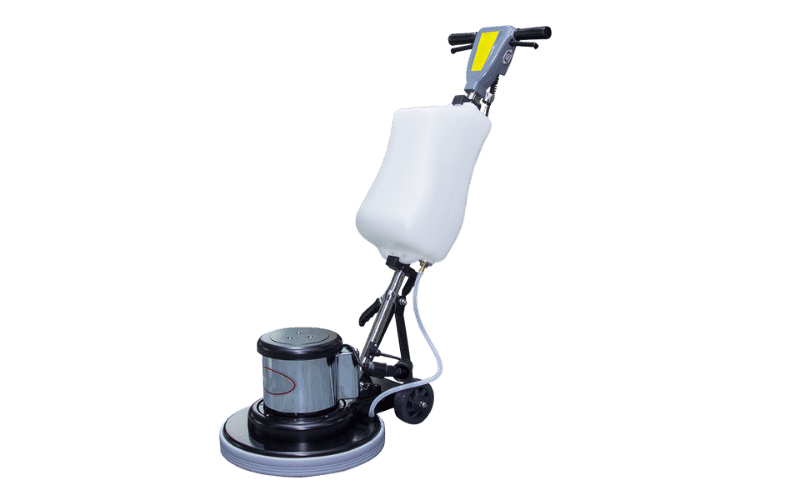
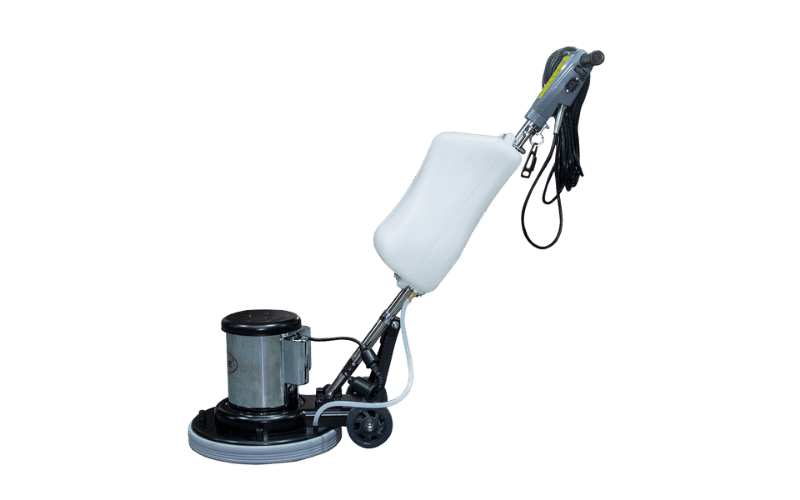
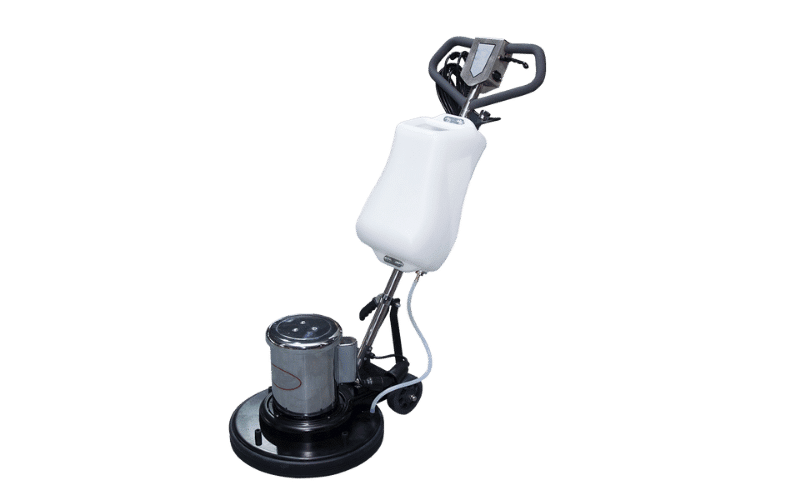
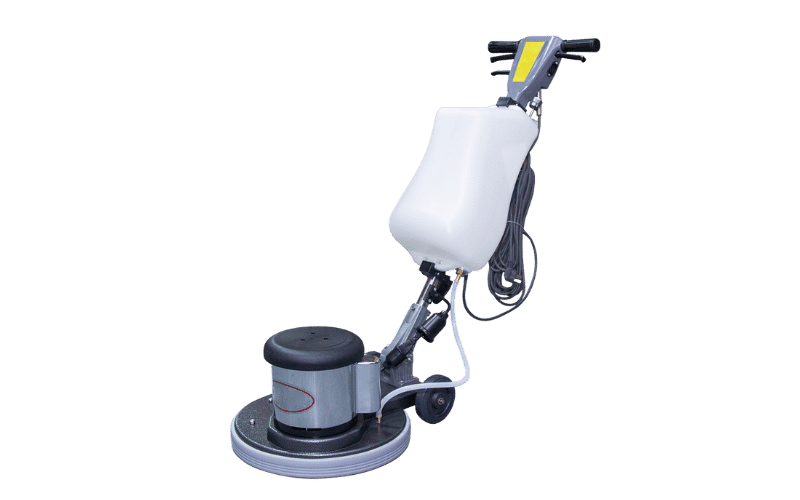
- How to fix: Switch to the correct pad grade for the surface. If you’re also polishing or finishing floors regularly, it may be worth reviewing whether a dedicated floor buffer is better suited to that task than relying on the scrubber alone.
- Prevention: Keep a reference chart of pad types by floor surface near your supply closet so operators aren’t guessing.
Battery & Charging Problems
Battery issues are among the most common reasons a scrubber sits unused, and they’re often preventable with better charging habits.
Floor scrubber not charging
- Symptom: The machine is plugged into the charger, but the battery indicator shows no charge progress.
- Likely cause: A loose or corroded charging connector, a faulty charger, or a battery that has failed completely.
- How to check: Inspect the charging port and connector for corrosion or bent pins. Test the charger on a different compatible machine if one is available. Check battery voltage with a multimeter if you’re comfortable doing so.
- How to fix: Clean corroded connectors with an appropriate contact cleaner. Replace a faulty charger. If the battery itself won’t hold voltage, it likely needs replacement.
- Prevention: Charge batteries fully after every use rather than letting them sit partially depleted, and keep charging contacts clean and dry.
Battery dies too quickly
- Symptom: The scrubber runs for a fraction of its rated runtime before losing power.
- Likely cause: Battery age and reduced capacity, a battery that was repeatedly undercharged, or excessive load from running the brush, vacuum, and solution pump simultaneously on a low-capacity model.
- How to check: Note how long the current runtime is compared to the machine’s original spec. Review charging logs or habits — frequent partial charges degrade most battery types over time.
- How to fix: Replace batteries that have dropped significantly below rated capacity. If multiple batteries are failing at once, review the charging routine itself rather than just swapping cells.
- Prevention: Follow a full charge-discharge cycle rather than opportunity charging, and use ECO mode where available to extend runtime on lighter cleaning jobs.
Charging cycle and connector inspection steps
- Symptom: Inconsistent charging performance — sometimes the machine charges fully, sometimes it doesn’t.
- Likely cause: Intermittent connector contact or a charger beginning to fail.
- How to check: Wiggle the charging cable gently while connected to see if the charge indicator flickers. Inspect the cable for fraying near the connector.
- How to fix: Replace a damaged charging cable immediately rather than continuing to use it — intermittent connections can damage the battery over time.
- Prevention: Store charging cables coiled loosely, not kinked, and inspect them monthly for wear.
Solution Dispensing Problems
The solution system delivers cleaning fluid to the brush deck. A blockage anywhere in this path shows up as reduced or absent cleaning solution on the floor.
Not dispensing water/solution
- Symptom: The brush spins and the machine moves, but no solution reaches the floor.
- Likely cause: An empty solution tank, a closed or clogged solution valve, or a kinked supply line.
- How to check: Confirm the solution tank has fluid. Trace the solution line from tank to brush deck, checking for kinks or visible blockages. Check that the solution valve or flow control is open.
- How to fix: Refill the tank. Clear clogs by flushing the line with clean water. Replace a cracked or damaged valve.
- Prevention: Flush the solution system with clean water at the end of each shift to prevent detergent residue from hardening inside the lines.
Clogged solution lines or valves
- Symptom: Solution flow is weak or inconsistent rather than fully absent.
- Likely cause: Mineral buildup or dried detergent residue narrowing the line or valve opening.
- How to check: Disconnect the line at the tank and check flow by gravity alone, away from the valve.
- How to fix: Flush lines with a mixture appropriate for your detergent type, or replace the line if buildup can’t be cleared.
- Prevention: Use filtered water where possible and avoid mixing concentrated detergent directly in the tank without proper dilution.
Solution tank and filter maintenance tips
- Symptom: Recurring clogs despite clearing them previously.
- Likely cause: A dirty or missing inline filter allowing debris into the solution system.
- How to check: Locate the solution filter, usually near the tank outlet, and inspect it for debris buildup.
- How to fix: Clean or replace the filter.
- Prevention: Check the filter weekly as part of routine maintenance, and rinse the tank interior regularly to prevent sediment accumulation.
Traction & Drive Problems
Drive issues affect the machine’s ability to move under its own power — most relevant on self-propelled walk-behind and ride-on models.
Machine not moving
- Symptom: The scrubber powers on and the brush/vacuum systems work, but the machine won’t drive forward or backward.
- Likely cause: A disengaged drive belt, a tripped drive motor breaker, or a faulty traction control switch.
- How to check: Inspect the drive belt for tension and wear. Check the breaker panel for a tripped drive circuit. Test the traction control lever or pedal for proper engagement.
- How to fix: Reconnect or replace a slipped or broken drive belt. Reset the breaker after identifying the cause of the trip. Replace a faulty traction switch.
- Prevention: Avoid overloading the machine on steep inclines or thick debris, which can strain the drive system.
Drive wheel or motor inspection steps
- Symptom: The machine moves but with reduced power, uneven speed, or unusual noise from the drive wheel area.
- Likely cause: Worn drive wheel tread, a failing drive motor, or debris wrapped around the wheel axle.
- How to check: Inspect wheel tread for flat spots or excessive wear. Listen for grinding or whining sounds from the motor housing. Check the axle for wrapped debris.
- How to fix: Replace worn drive wheels. Clear debris from the axle. If motor noise persists after these checks, escalate to a technician — motor internals aren’t a routine operator fix.
- Prevention: Keep the drive wheel area clear of cords and debris, and inspect wheel tread monthly.
Vacuum Motor Problems
The vacuum motor pulls water off the floor and into the recovery tank. Weak suction is one of the most common complaints facility managers report, and it’s frequently a filter issue rather than a motor failure.
Weak suction or vacuum motor not engaging
- Symptom: Little to no suction at the squeegee, even though the squeegee blade itself looks fine.
- Likely cause: A clogged vacuum filter, a loose recovery tank lid seal, or a failing vacuum motor.
- How to check: Inspect the vacuum filter for dirt buildup. Check that the recovery tank lid is seated and sealed properly — a loose seal breaks suction entirely. Listen for the vacuum motor engaging when the vacuum switch is activated.
- How to fix: Clean or replace the vacuum filter. Reseat the tank lid and check the gasket for damage. If the motor doesn’t engage at all, check the fuse or breaker before assuming motor failure.
- Prevention: Clean the vacuum filter after every use, and inspect the tank lid gasket monthly for cracking or warping.
Vacuum motor inspection and filter checks
- Symptom: Suction fades midway through a cleaning session rather than being weak from the start.
- Likely cause: A filter gradually clogging as the session progresses, or a recovery tank nearing its float shutoff point.
- How to check: Check fill level against the float valve position. Remove and inspect the filter for progressive buildup.
- How to fix: Empty the tank more frequently during long cleaning runs. Clean the filter at the midpoint of extended jobs.
- Prevention: Match tank-emptying frequency to the size of the area being cleaned rather than waiting for the float to trigger automatically.
Preventive Maintenance: Reducing Floor Scrubber Downtime
Most of the problems above share a common thread: they’re preventable with consistent daily habits.
- Daily squeegee inspection. A thirty-second check before each shift catches wear before it causes streaking or poor water pickup.
- Proper battery charging habits. Full charge cycles, clean connectors, and avoiding opportunity charging extend battery life significantly.
- Flushing solution systems regularly. Clean water flushes at the end of each shift prevent the clogs that account for a large share of solution dispensing complaints.
- Operator training as a prevention tool. A surprising number of “mechanical” issues are actually operator error — wrong pad selection, incorrect dilution ratios, or skipped tank emptying. Training operators on correct setup reduces service calls more than any single mechanical fix.
For a structured routine, LEADV’s Floor Scrubber Preventive Maintenance Checklist walks through daily, weekly, and monthly tasks and is available as a free download from the floor scrubber product page.
Repair vs. Replace: When It’s Time for a New Machine
Not every problem is worth fixing indefinitely. A few signals suggest repair costs have outgrown the value of the machine:
- Recurring failures in the same system. If you’ve replaced the same squeegee blade, battery, or drive belt three or more times in a year, the underlying component — or the machine itself — may be past its reliable service life.
- Downtime frequency outweighs cleaning output. If the scrubber spends more days in the service closet than on the floor, the facility is effectively paying labor costs for manual cleaning anyway.
- Repair costs approach replacement cost. A rough rule many facility managers use: if a single repair exceeds 30–40% of a comparable new machine’s price, replacement is usually the better long-term investment.
If any of these apply, it’s worth evaluating current machine options rather than continuing to invest in a unit that keeps breaking down. LEADV’s ride-on, walk-behind, and small floor scrubber lines each carry a warranty of up to two years or 2,000 hours on larger models, reducing the near-term risk of the same cycle repeating.
Matching Machine Format to Maintenance Profile
Part of reducing recurring problems is making sure the machine format fits the facility it’s operating in. A mismatched machine — too large for tight aisles, too small for industrial square footage — tends to show wear and mechanical strain faster than one correctly sized for the job.
|
Format |
Typical Maintenance Profile |
Best Fit For |
|---|---|---|
|
Lower part wear due to lighter use cycles; frequent filter and tank checks due to compact tank size |
Tight spaces, retail and supermarkets, commercial spaces and offices |
|
|
Moderate wear on brushes and squeegees from daily use; drive system checks recommended for self-propelled models |
Healthcare and educational facilities, mid-size commercial spaces |
|
|
Higher-capacity batteries and tanks reduce refill frequency; drive and traction systems need regular inspection given continuous operation |
Warehouses and industrial facilities, large-footprint operations |
If recurring problems keep tracing back to a machine that’s simply undersized or oversized for your space, it may be worth revisiting LEADV’s Types of Floor Cleaning Machines guide to reconsider the category entirely rather than continuing to troubleshoot a format mismatch.
Frequently Asked Questions
How often should I service my floor scrubber?
Do daily checks (squeegee, filters, tank levels) before every shift. A full inspection covering batteries, drive components, and brush wear is typically recommended monthly, though high-use facilities may need it more often.
Can I troubleshoot a floor scrubber myself, or do I need a technician?
Most common issues — worn squeegees, clogged filters, dirty solution lines, tripped breakers — are safe for trained operators to diagnose and fix. Escalate to a technician for motor failures, electrical faults, or structural tank damage.
Why does my floor scrubber work fine for a few minutes, then stop?
This pattern often points to a tripped overload breaker from debris wrapped around a brush or wheel, or a recovery tank reaching its float shutoff. Check both before assuming a deeper mechanical issue.
Is it normal for battery runtime to decrease over time?
Yes. All batteries lose capacity gradually with use. A noticeable, sudden drop in runtime—rather than a gradual decline—usually signals a specific battery that needs replacement, not normal aging.
What’s the most common cause of streaking on floors?
A worn, dirty, or misaligned squeegee blade causes most streaking complaints, followed by overdue pad replacement.
How do I know if my pad or brush is the wrong type for my floor?
If your floor looks dull, scratched, or inconsistently cleaned despite a properly functioning machine, compare your current pad grade against the manufacturer’s recommendation for your specific floor surface.
Should I repair or replace my floor scrubber if it keeps breaking down?
If the same system fails repeatedly within a year, or repair costs approach 30–40% of a new machine’s price, replacement is typically the more economical choice.
Get the Right Fix — Or the Right Machine
Floor scrubber problems rarely come out of nowhere. Most trace back to a worn part, a skipped maintenance step, or a machine no longer matched to the job. The symptom-first approach above should resolve most issues without pulling a technician off other work.
If your troubleshooting keeps leading you back to the same system, or your current machine costs more in repairs than it’s worth, it may be time to evaluate a replacement. Browse LEADV’s walk-behind, ride-on, and small floor scrubber lines, or round out your equipment lineup with a vacuum cleaner or floor buffer for tasks a scrubber can’t handle. Ready to talk specifics? Request a quote, and a LEADV specialist will help match a machine to your facility’s maintenance needs.